Memory Atlas
Windows Installer Link: Releases · calluxpore/Memory-Atlas-V3
The Idea
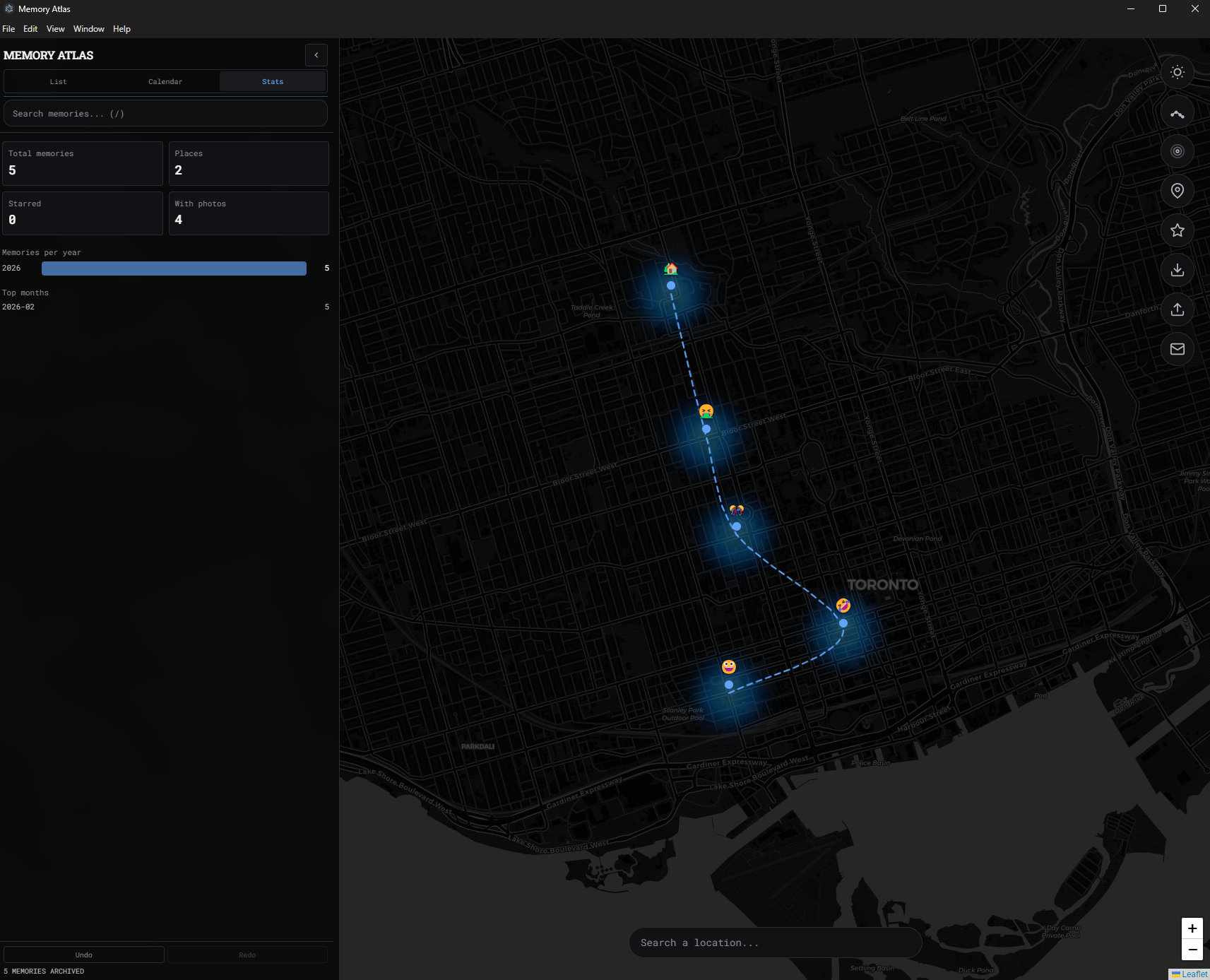
The core idea was to bridge the gap between chronological journaling and geographical mapping. Traditional journals are almost exclusively date-based, often ignoring the powerful psychological link between memory and physical space. I wanted to create a "spatial diary" where life events are treated as coordinates on a map rather than just entries in a list. The goal was to build a tool that allows users to visualize their personal history as a physical path, while maintaining absolute privacy. By utilizing a "local-first" approach, the project ensures that deeply personal data, locations, photos, and thoughts, remains entirely within the user's browser, bypassing the need for cloud servers or account sign-ups.
Development
- Frontend & State Management: The application is built with React 19 and TypeScript for a robust, type-safe UI. State management is handled by Zustand, utilizing the
persistmiddleware to sync memories and groups directly tolocalStorage. This enables full offline capability and ensures data persistence without a backend database. - Interactive Mapping Engine: The interface centers on Leaflet (via
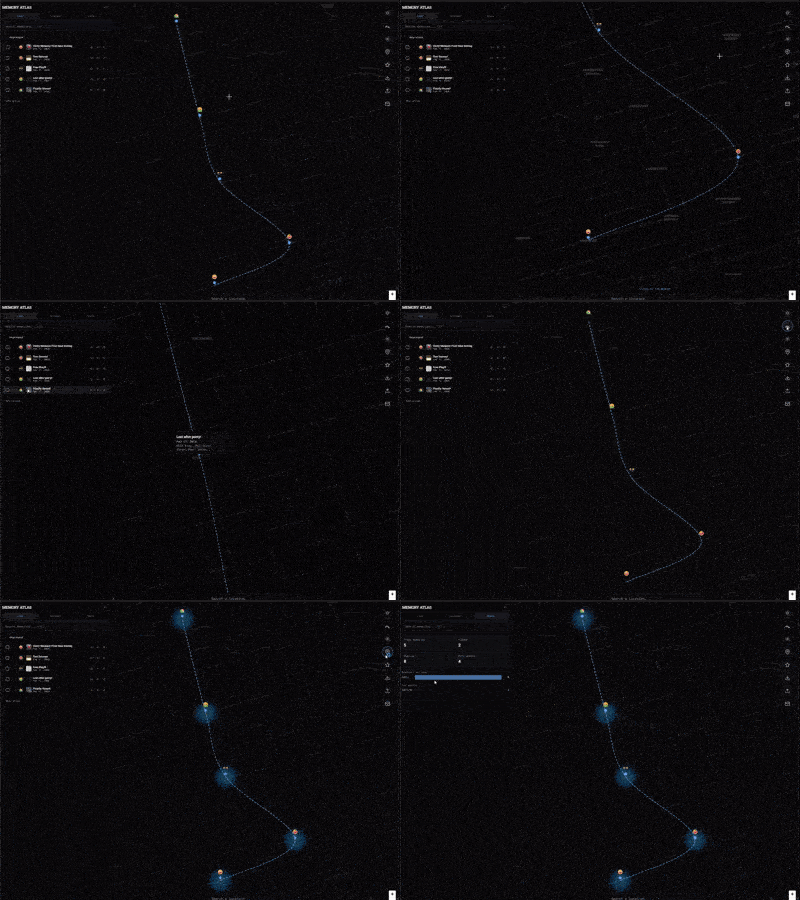
react-leaflet). It features marker clustering to maintain performance when displaying high-density memory areas and a dynamic polyline system. This system draws "travel paths" based on the user’s custom group ordering, effectively turning individual points into a cohesive narrative. - Styling & Responsiveness: Built with Tailwind CSS 4, the UI features a modern, fluid design. It includes a native light/dark theme toggle that not only changes the interface colors but also swaps the map tile providers (using CartoDB variants) to match the user's visual preference.
- Desktop Integration: Beyond the web, the project is packaged using Electron. This allows the same codebase to run as a standalone desktop application on Windows, macOS, and Linux, providing native installers and a dedicated window environment for a more focused journaling experience.
Reflection
This project served as a deep dive into the "Local-First" software movement. It proved that complex, data-driven applications don't always need a cloud backend to be powerful or useful. By keeping data in the browser, the application gains significant speed and total privacy. The most rewarding aspect was implementing the Timeline feature; seeing disconnected pins suddenly transform into a visual journey provided a level of reflection that standard list-based journals simply cannot match. It demonstrates the potential for "small tech"—tools that are simple, focused, and prioritize the user over the platform.
What worked
- Zustand Persistence: The "no-account" flow works flawlessly; users can start journaling instantly, and their data is immediately available upon return without any login friction.
- Marker Clustering: Handling 50+ memories in a small geographic area remained performant and visually clean thanks to the integration of
react-leaflet-cluster. - Hybrid Deployment: Using a single codebase for both a GitHub Pages web app and an Electron desktop app streamlined the development process and expanded the tool's accessibility.
- Privacy-First Appeal: Eliminating the "Sign Up" barrier created a frictionless user experience that feels inherently more secure than traditional cloud-based journals.
What did not work/ Limitations
- Storage Constraints: Because data is stored in
localStorage, there is a functional limit on the number and size of high-resolution photos that can be attached before hitting browser quotas. - Device Syncing: The lack of a backend is a double-edged sword; currently, there is no native way to sync memories between a laptop and a mobile phone without performing a manual data export/import.
- Map Tile Dependency: While the application logic works offline, the map tiles require a cached or active internet connection to render geographic details, unless a local tile-hosting solution is implemented.
Links
GitHub Repository: calluxpore/Memory-Atlas-V3
Windows Installer Link: Releases · calluxpore/Memory-Atlas-V3